
Why a Forms-to-APEX migration needs a plan first
Oracle Forms has run enterprise applications for decades, and it works, which is why so many teams kept it. Oracle's end-of-life messaging has been consistent, though, and Oracle APEX is the most common destination for a Forms move because it keeps the relationship with the Oracle Database and shrinks the amount of PL/SQL you have to rewrite.
The hard part is rarely the APEX build itself. It is knowing what the existing Forms application actually does. Applications that have grown over 15 or 20 years carry business logic in triggers, PL/SQL blocks and undocumented customizations that no single person fully understands. A migration plan that skips discovery usually hits scope surprises that stall delivery. For the wider view, see our practical guide to Oracle Forms migration.
Step one: inventory your forms and PL/SQL logic
Before you scope anything, build an accurate inventory. Most enterprises do not have one, and teams often spend the first two to four months of a project producing it by hand. A usable inventory covers:
- All .fmb and .mmb files, including modules that are referenced but rarely used
- Every trigger and its scope: block-level, item-level, form-level and key triggers
- PL/SQL library dependencies and shared code
- Database objects the forms read from or write to directly
- User-defined LOVs, record groups and dynamic SQL
Pay particular attention to the modules nobody mentions. Rarely used forms often hold the exceptions and edge cases that surface months after go-live.
What maps cleanly to APEX and what needs redesign
Once you know what exists, sort it into what carries over and what needs rethinking.
- UI structure: Forms canvases map to APEX pages or regions. Multi-block forms often have to be split into separate pages or reorganized around a different navigation model, so treat them as redesign candidates rather than one-to-one conversions.
- Trigger logic: When-Validate-Item and Pre-Insert triggers carry business rules that must be preserved. They move into APEX validations, page processes or PL/SQL procedures. The risk is not the move itself but missing a rule that was never written down.
- Database-side PL/SQL: Logic that already lives in packages and procedures is the easiest to keep, which is a large part of why APEX reduces the rewrite surface.
Teams that want a Java, Angular or React frontend can still do that, but it is a heavier lift and usually depends on long-term platform strategy rather than on the Forms application itself.
How AI-assisted analysis surfaces hidden business rules
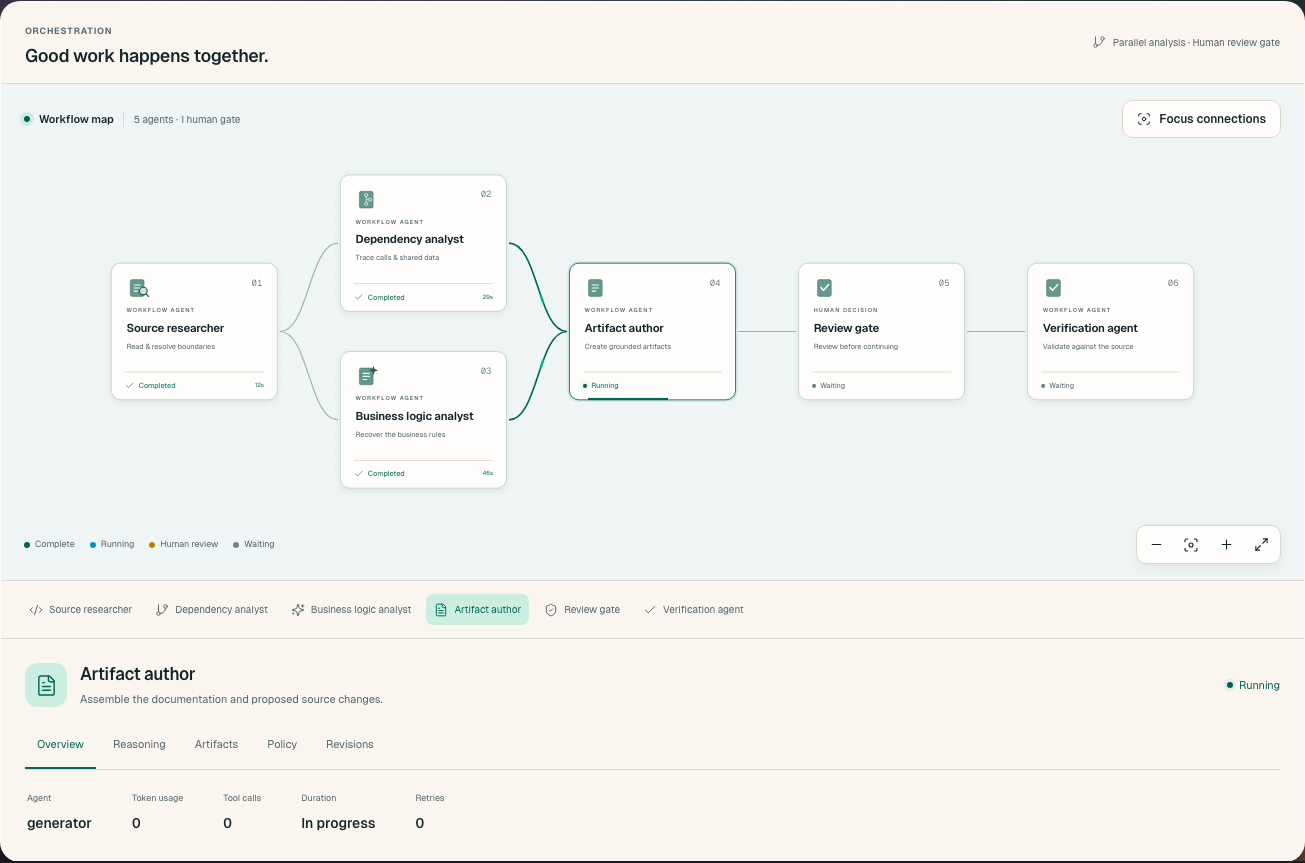
Manual discovery is slow and error-prone, and it needs someone who knows both Oracle Forms and your specific application well enough to interpret what they find. AI-assisted analysis changes that part of the effort curve. Replai's platform analyzes legacy codebases and maps the business meaning inside them, including the embedded logic that lives in Forms triggers, so the team can see what the system does before redesigning it.
The practical benefit is order of operations: you find the buried rules first, decide what to keep, simplify or retire, and only then start rebuilding. That avoids the pattern where critical rules stay hidden and get lost in translation. If you want to understand the mechanics, read how AI agents read legacy code and our overview of legacy code analysis. Replai also has a dedicated page for Forms-to-APEX migration with Oracle APEX.
Scoping and executing the move
With the inventory and the mapping in hand, scoping becomes a matter of grouping. Cluster forms by shared PL/SQL libraries and shared tables, then decide which clusters move first. Starting with a self-contained module gives the team a working reference for validations, page processes and navigation patterns before the larger, more tangled modules come up.
Keep the business rules list alive throughout the project. Each rule found during discovery should be traceable to the APEX validation, process or procedure that now enforces it, so testing can check rules rather than only screens. For budgeting questions, see what to expect from legacy modernization cost.
Frequently asked questions
Why is Oracle APEX the most common target for Oracle Forms migrations?
APEX preserves the relationship with the Oracle Database and reduces the rewrite surface for PL/SQL logic. Other teams move to Java, Angular or React frontends, which is a heavier lift.
What should be in an Oracle Forms inventory before migration?
All .fmb and .mmb files, every trigger and its scope, PL/SQL library dependencies, database objects the forms touch directly, and user-defined LOVs, record groups and dynamic SQL.
Where does trigger logic go after a Forms-to-APEX migration?
Triggers such as When-Validate-Item and Pre-Insert carry business rules that must be preserved. They move into APEX validations, page processes or PL/SQL procedures.
How long does discovery usually take when done manually?
Teams often spend the first two to four months of a migration project just producing the inventory by hand. The work is slow and error-prone.
How does AI-assisted analysis help with a Forms migration?
It maps the business meaning inside the codebase, including logic embedded in Forms triggers, so the team can see what the system does before redesigning it.
Do multi-block Forms screens convert directly to APEX pages?
Not always. Multi-block forms often need to be split into separate pages or reorganized around a different navigation model.